
Best Elementor Alternatives in 2026: 8 Options I’d Actually Use
By Makedonka Tochevska · Last Tested October 2026
I’ve used Elementor for more than four years and worked on over 40 websites with it, including business, med spa, architecture, real estate, furniture, and agency websites. And despite testing and using plenty of Elementor alternatives, I still don’t think replacing Elementor automatically gives you a better website.
The best alternative depends on why you want to switch.
If I want a lightweight, native WordPress setup, I prefer Gutenberg with GenerateBlocks. If I want more developer control while keeping a visual building experience, I’d consider Bricks. And in my testing, Breakdance came closest to Elementor’s visual flexibility while producing cleaner, lighter output with fewer nested wrappers.
But if an existing Elementor website is fast, stable, and easy to maintain, I wouldn’t rebuild it just because you’ve heard that Elementor is “bloated.”
In this guide, I’ll compare eight alternatives I’ve either used on real websites or tested directly, explain where each one makes sense, and – just as importantly – where Elementor is still the option I’d choose.
TL;DR: The Best Elementor Alternatives in 2026
If you want the short answer, there isn’t one Elementor alternative I’d recommend for every WordPress website. After more than four years of using Elementor across 40+ websites, these are the options I’d consider depending on what you actually need:
- Gutenberg + GenerateBlocks: Best if you want a lightweight, native WordPress setup with cleaner output.
- Bricks: Best for developers who want more control over how they build and style a website.
- Breakdance: Best if you want something closer to Elementor’s visual workflow but with cleaner, lighter output. In my testing, it produced a smaller DOM and fewer nested wrappers than Elementor.
- Spectra: Best if you prefer Gutenberg but want more design flexibility than the core block editor provides.
- Beaver Builder: Best for stability and handing websites over to non-technical clients.
- Divi: Best if you want another established, full visual page builder.
- Oxygen: Best for advanced users who prioritize technical control over ease of use.
- OptimizePress: Best for landing pages and conversion-focused websites.
My personal choice: I’d use Gutenberg + GenerateBlocks when performance and clean output are the priority, Bricks when I want more developer control, and Breakdance when I want an Elementor-like visual workflow with leaner output.
But I still use Elementor regularly. If an existing Elementor website is fast, stable, and easy to maintain, I wouldn’t rebuild it just for the sake of switching page builders.
TABLE OF CONTENTS
- Best Elementor Alternatives at a Glance
- How I Chose These Elementor Alternatives
- Gutenberg + GenerateBlocks
- Bricks
- Breakdance
- Spectra
- Beaver Builder
- Divi
- Oxygen
- OptimizePress
- Which Elementor Alternative Should You Choose?
- What Is the Best Free Elementor Alternative?
- Should You Actually Switch From Elementor?
- Is Elementor Really the Reason Your Website Is Slow?
- Switching From Elementor: What Happens to Your Existing Website?
- Elementor Alternatives Compared Side by Side
- Frequently Asked Questions About Elementor Alternatives
- Final Verdict: Which Elementor Alternative Is Best?
Best Elementor Alternatives at a Glance
Before getting into each option in detail, here’s how the eight Elementor alternatives compare based on my experience and testing:
| Elementor Alternative | Best For | My Experience | Main Advantage | Main Drawback |
|---|---|---|---|---|
| Gutenberg + GenerateBlocks | Lightweight WordPress websites | Professional use | Clean, lightweight approach | Custom designs can take longer |
| Bricks | Developers | Used on 2–3 sites | Strong design and developer control | Higher learning curve |
| Breakdance | Elementor-like visual building | Controlled testing | Cleaner output in my test | Smaller ecosystem |
| Spectra | Gutenberg with more design flexibility | Used on 2–3 sites | More design tools while staying block-based | Less visual than Elementor |
| Beaver Builder | Client editing and stability | Controlled testing | Simple and predictable | Less design freedom |
| Divi | Traditional visual building | Used on 2–3 sites | Mature visual design ecosystem | Still a relatively heavy builder setup |
| Oxygen | Advanced users and developers | Used on 2–3 sites | Greater technical control | Steeper learning curve |
| OptimizePress | Landing pages | Used on 2–3 sites | Conversion-focused tools | More specialized |
My recommendations are based on a combination of professional use and controlled testing. Experience levels differ by builder, which I explain in more detail below.
One thing I wouldn’t do is choose an alternative purely because someone says Elementor is too heavy. If your existing Elementor website performs well, is easy to maintain, and gives you the design control you need, staying with Elementor may still be the better choice.
How I Chose These Elementor Alternatives
I didn’t choose these tools by simply looking at the most popular Elementor competitors or comparing feature lists. I based the recommendations on my own WordPress work, hands-on experience with the alternatives, and controlled testing where I wanted a closer comparison.
My experience with each builder isn’t equal, and I think that distinction matters when recommending software.
My Experience With Elementor and Its Alternatives
Elementor is the builder I know best. I’ve used both Elementor Free and Pro for more than four years and across 40+ websites, from small business and landing pages to med spa, architecture, real estate, furniture, and agency websites.
For the alternatives in this guide, my experience breaks down like this:
- Gutenberg + GenerateBlocks: Used professionally on real website projects.
- Spectra: Hands-on experience across roughly 2–3 websites.
- Bricks: Hands-on experience across roughly 2–3 websites.
- Divi: Hands-on experience across roughly 2–3 websites.
- Oxygen: Hands-on experience across roughly 2–3 websites.
- OptimizePress: Hands-on experience across roughly 2–3 websites.
- Breakdance: Tested specifically against Elementor for this comparison.
- Beaver Builder: Tested specifically for this comparison, with particular attention to stability, workflow, and client editing.
That means I won’t treat a short test of Breakdance or Beaver Builder as equivalent to four years of working with Elementor. Where a conclusion comes from testing rather than long-term client work, I’ll make that clear.
What I Looked For
I evaluated each Elementor alternative around the factors that actually influence which builder I use on a real project:
- Design freedom: How much control do I have over the final layout and styling?
- Build workflow: How quickly can I turn a design into a finished page?
- Output and performance: How clean is the resulting build, and does the builder introduce unnecessary complexity?
- Responsive editing: How easy is it to control tablet and mobile layouts?
- Client editing: Can a non-technical client safely update text and images after handoff?
- Learning curve: How quickly can someone become productive with the builder?
- Ecosystem: How mature are its integrations, templates, documentation, and third-party support?
- Value: Do the free and paid features make sense for the type of website being built?
I also considered something that gets overlooked in a lot of lists of Elementor alternatives: whether switching away from Elementor would actually improve the website.
A different builder needs to solve a real problem. If Elementor already gives me the design flexibility I need, the client can edit the site comfortably, and the website performs well, I don’t see a reason to replace it simply because another builder produces cleaner markup.
1. Gutenberg + GenerateBlocks - Best Lightweight Elementor Alternative
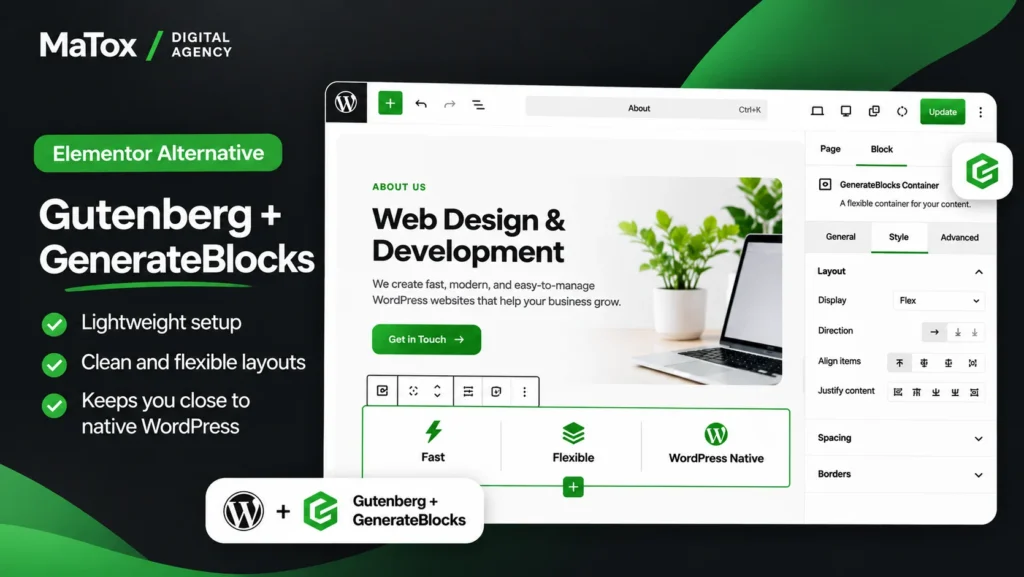
If my main priority is building a lightweight WordPress website with cleaner output, Gutenberg with GenerateBlocks is the Elementor alternative I’m most likely to choose.
I’ve used this combination on real website projects, and compared with Elementor, the biggest difference for me is how much simpler the overall setup can feel. Instead of adding another complete page-building system on top of WordPress, I’m working primarily within the native block editor and extending it with GenerateBlocks where I need more layout and design control.
The tradeoff is speed of design. With Elementor, I can usually take an idea in my head and build it visually very quickly. With Gutenberg and GenerateBlocks, some custom layouts take me longer to create.
For a straightforward business website where performance and clean output are higher priorities than maximum visual freedom, though, that is often a tradeoff I’m willing to make.
What I Like About Gutenberg + GenerateBlocks
The biggest advantage for me is the cleaner, more lightweight approach.
I also like having less dependence on a traditional page builder. Because Gutenberg is part of WordPress itself, the editing experience stays much closer to the core WordPress ecosystem.
For the right project, I get what I actually need without adding a huge amount of functionality that the website may never use.
This is why I particularly like the combination for:
- small and medium-sized business websites;
- content-focused websites;
- relatively straightforward layouts;
- projects where performance is a high priority;
- websites where I want to keep the WordPress setup lean.
It isn’t automatically better than Elementor. It’s simply a different approach.
Where Gutenberg + GenerateBlocks Falls Short
The biggest thing I give up is Elementor’s visual design freedom and speed.
When I’m working on a highly customized page, Elementor generally lets me experiment with layouts, spacing, positioning, and responsive adjustments faster.
With Gutenberg and GenerateBlocks, I can still build custom designs, but some of them take more time.
That’s why I wouldn’t automatically choose this setup for every design-heavy client website. Architecture, furniture, real estate, and other projects where the visual presentation is a major part of the website can benefit from the additional freedom I get with Elementor.
Who Should Use Gutenberg + GenerateBlocks?
I would choose Gutenberg + GenerateBlocks if you want a lightweight WordPress setup, care about clean output, and don’t need the full visual-building experience Elementor provides.
I wouldn’t choose it solely because you’ve been told Elementor is slow. If you’re already using Elementor, I would first test the actual website and determine what’s causing the performance problem before considering a rebuild.
Best for: Lightweight business and content websites, performance-focused builds, and users who prefer staying closer to native WordPress.
Not ideal for: Highly visual websites where fast drag-and-drop design freedom is one of the main priorities.
2. Bricks - Best Elementor Alternative for Developers
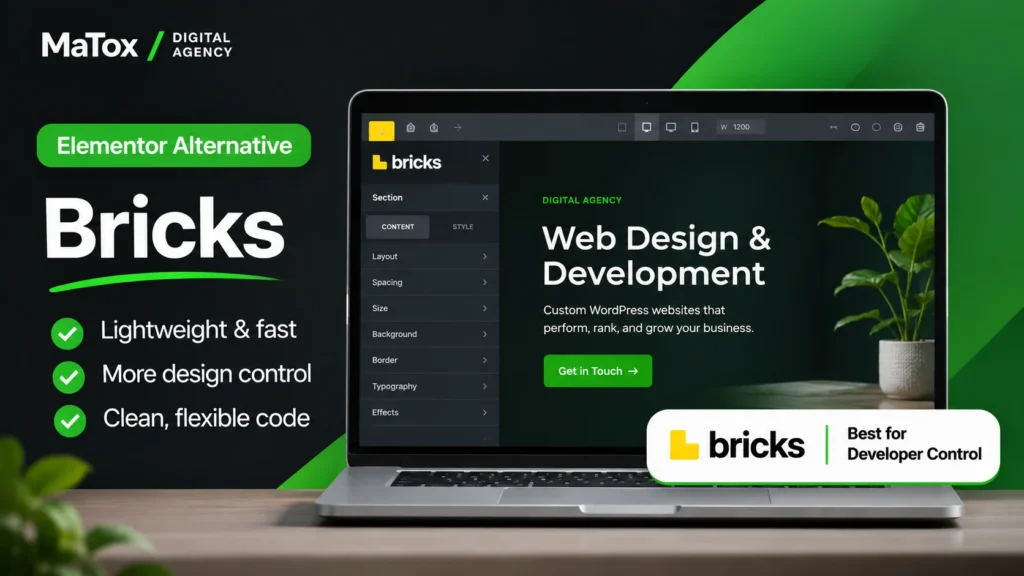
If you like the convenience of visual building but want more control over how a WordPress site is put together, Bricks is one of the best Elementor alternatives I’ve used for a more developer-focused workflow.
I’ve worked with Bricks on roughly 2–3 websites. What stands out to me is that it feels more suited to someone who wants visual building without giving up as much control over the underlying structure of the site.
Compared with Elementor, I’d lean toward Bricks when the person building the website is comfortable with a slightly more technical workflow. Elementor still feels more approachable when speed of visual design and easy client editing are the priorities.
What I Like About Bricks
The main advantage of Bricks for me is the balance between visual design and developer control.
You can still build visually, but the workflow makes more sense for someone who cares about how the page is structured rather than simply dragging widgets onto a canvas.
That makes Bricks particularly interesting when I want:
- more control over the structure of a page;
- a visual workflow without relying on Elementor;
- greater flexibility for custom development;
- a builder aimed more toward developers and experienced WordPress users.
It sits in a useful middle ground: I don’t have to give up visual building, but I get a workflow that feels more developer-oriented.
Where Bricks Falls Short
That developer focus is also one of its drawbacks.
For someone coming from Elementor specifically because they like how accessible visual building is, Bricks can have a steeper learning curve.
Client handoff matters here too. When I build a website, I’m not only thinking about how comfortable I am using the builder. I also have to consider what happens when a client logs in later and wants to change an image, edit some text, or update a section.
For that kind of client-friendly workflow, Elementor can still be the easier choice.
Who Should Use Bricks?
I would consider Bricks instead of Elementor when the person building and maintaining the website is technically comfortable and wants more control over the build.
I wouldn’t switch an existing Elementor website to Bricks simply because Bricks is more developer-focused. The additional control needs to solve an actual limitation in the current setup before a rebuild makes sense.
Best for: Developers, experienced WordPress users, and projects where greater control over the build matters.
Not ideal for: Beginners or projects where simple client editing is more important than developer-level control.
3. Breakdance - Best Elementor-Like Alternative With Cleaner Output
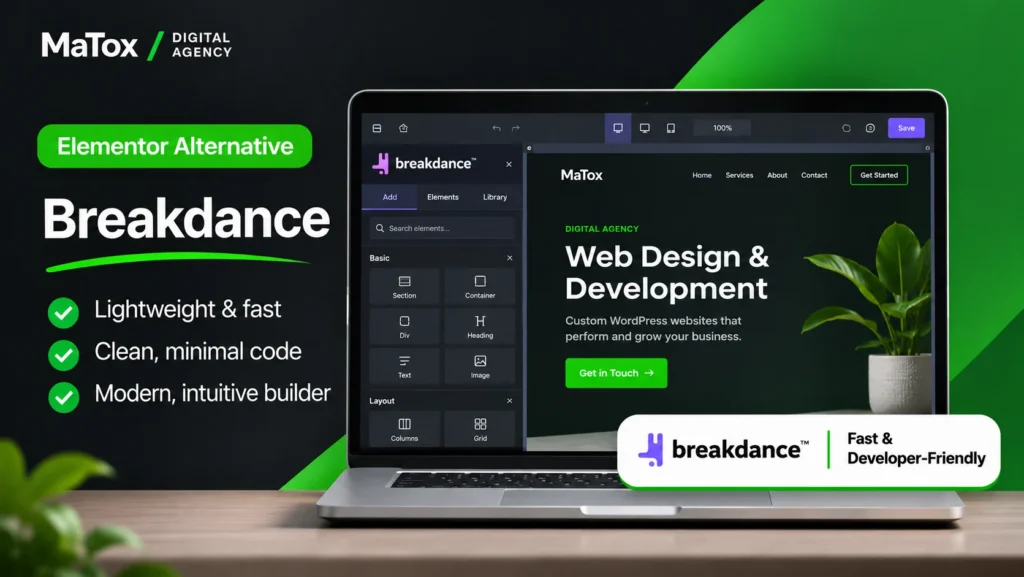
If you like Elementor’s visual workflow but want a leaner alternative, Breakdance is one of the most interesting options I tested.
What stood out to me was that I didn’t have to give up the visual approach that makes Elementor convenient. Breakdance still gives you a lot of design freedom, but in my testing, it produced cleaner, lighter output with a smaller DOM and fewer nested wrappers than Elementor.
That makes it particularly interesting for someone who likes working visually but doesn’t necessarily want the additional markup that can come with a more complex Elementor build.
What I Found Testing Breakdance vs Elementor
The biggest difference I noticed was in the page structure.
In my test, Breakdance generated a smaller DOM with fewer nested wrappers than Elementor. The resulting output felt cleaner while still giving me enough control to build visually rather than having to move to a completely different block-based workflow.
That distinction matters.
If performance is your only priority, I would still consider a native WordPress setup with Gutenberg and GenerateBlocks. But if you specifically want an alternative to Elementor that still feels like a full visual builder, Breakdance makes more sense to me.
I also liked having features such as global styles and theme-building capabilities available within the same ecosystem. It means you’re not necessarily sacrificing the broader site-building functionality that makes Elementor Pro useful in the first place.
Where Breakdance Falls Short
The biggest tradeoff is the ecosystem.
Elementor has been around longer and has a huge collection of templates, tutorials, integrations, and third-party add-ons. Breakdance’s ecosystem is smaller, and during testing, some parts of the experience felt newer and less polished.
I’d also consider who will manage the website after launch.
Breakdance feels more developer-oriented to me than Elementor, so I wouldn’t automatically assume that a non-technical client will find the editing experience as comfortable.
That doesn’t make it difficult to use, but client handoff is something I’d consider before choosing it purely for cleaner output.
Who Should Use Breakdance?
I would consider Breakdance instead of Elementor if you want to keep a flexible visual-building workflow but care about producing a leaner page structure.
It’s especially interesting if you’re starting a new website. I would be much more cautious about rebuilding an existing, well-performing Elementor site solely to reduce its DOM size.
Best for: WordPress users who like Elementor’s visual approach but want a leaner, more developer-oriented alternative.
Not ideal for: Users who depend heavily on Elementor’s large ecosystem of templates and third-party add-ons, or projects where the easiest possible client editing experience is the priority.
4. Spectra - Best Gutenberg-Based Elementor Alternative for More Design Flexibility
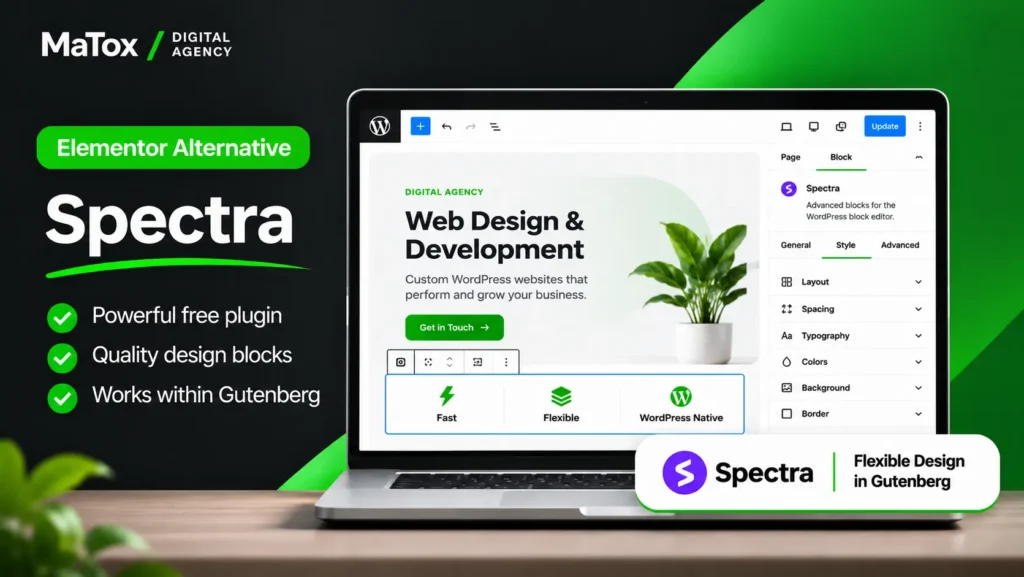
If you like the idea of building with Gutenberg but find the core WordPress blocks too limiting, Spectra is an Elementor alternative worth considering.
I’ve used Spectra on roughly 2–3 websites. To me, its biggest advantage is that it gives Gutenberg more design flexibility without requiring you to move to a completely separate page-building environment.
That makes it a useful middle ground between a minimal Gutenberg setup and a full visual builder like Elementor.
What I Like About Spectra
Spectra extends the block editor with additional blocks and design controls, so I can create more customized layouts while continuing to work inside Gutenberg.
That’s the main reason I’d choose it.
With core Gutenberg alone, I can sometimes reach a point where creating the design I want becomes unnecessarily time-consuming. Spectra gives me more tools to work with while preserving the block-based workflow.
Compared with Gutenberg + GenerateBlocks, I see the two slightly differently:
- GenerateBlocks is my preference when I want a cleaner, more minimal setup.
- Spectra makes more sense when I want Gutenberg but need additional design flexibility and ready-made building options.
Neither approach gives me exactly the same experience as Elementor, but that’s not necessarily the goal.
Where Spectra Falls Short
If you’re leaving Elementor but still want the same kind of visual design experience, Spectra may not feel like a direct replacement.
You’re still fundamentally working within the WordPress block editor.
For me, Elementor remains quicker when I’m creating more design-heavy layouts and want to experiment visually with spacing, positioning, responsive behavior, and different page structures.
Adding more blocks and design options can also reduce some of the simplicity that attracted you to Gutenberg in the first place. That’s why I wouldn’t automatically install a large collection of block extensions unless the project actually needs them.
Who Should Use Spectra?
I would choose Spectra as an alternative to Elementor when I want to stay within Gutenberg but need more design options than the core block editor provides.
If the priority is the leanest setup possible, I’d lean toward Gutenberg with GenerateBlocks. If the priority is maximum visual freedom and fast visual design, I’d still lean toward Elementor.
Best for: Gutenberg users who want more design flexibility without switching to a traditional page builder.
Not ideal for: Users looking for an Elementor-like visual editing experience or the most minimal block-based setup.
5. Beaver Builder - Best Elementor Alternative for Stability and Client Editing
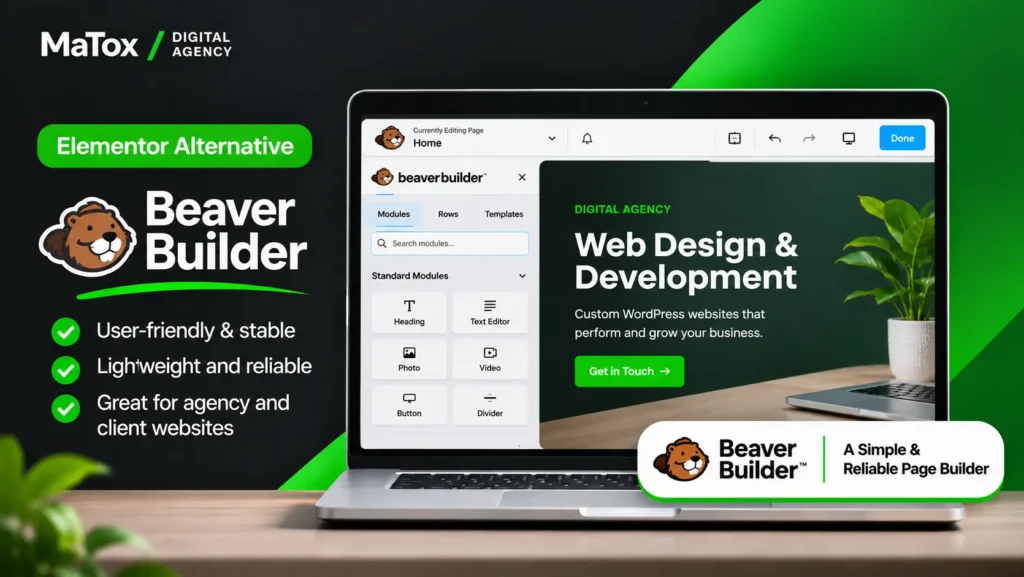
If you’re building websites that clients will manage themselves after launch, Beaver Builder is one of the Elementor alternatives I’d consider for its stability and straightforward editing experience.
In my testing, Beaver Builder felt more restrained than Elementor. It doesn’t give me the same level of visual freedom, but that simplicity can actually be an advantage when the website will eventually be handed over to a non-technical client.
There are fewer opportunities to accidentally move something, change a setting, or disrupt a carefully designed layout.
What I Found Testing Beaver Builder
The biggest thing that stood out to me was how predictable the building experience felt.
Elementor gives me more freedom, which I generally prefer when I’m designing. But more freedom also means more ways for someone editing the website later to change something they shouldn’t.
Beaver Builder takes a more restrained approach.
For an agency or freelancer, I think that’s valuable. I’m not only choosing a page builder for myself — I’m also thinking about who will be using the website six months after I hand it over.
In my testing, Beaver Builder also produced lighter output than Elementor. However, I wouldn’t choose it based on performance alone. Its stronger advantage for me is the combination of stability, simplicity, and client-friendly editing.
Where Beaver Builder Falls Short
The tradeoff is design freedom.
When I’m creating a highly customized website, Elementor gives me more room to experiment and usually lets me reach the design I want faster. With Beaver Builder, more custom layouts can require additional effort.
There’s also an important distinction if you’re looking for an Elementor Pro alternative.
Elementor Pro combines a lot of functionality into the same ecosystem. With Beaver Builder, more advanced theme-building functionality is handled separately through Beaver Themer.
So I wouldn’t compare the two based only on the page builder itself. You need to consider which Elementor Pro features your website actually relies on before deciding what would replace them.
Who Should Use Beaver Builder?
I would consider Beaver Builder instead of Elementor when stability, predictable editing, and client handoff matter more than having maximum visual design freedom.
For a design-heavy website where I need to move quickly from an idea to a highly customized layout, I’d still prefer Elementor.
Best for: Agencies, freelancers, and business websites where non-technical clients will regularly edit content after launch.
Not ideal for: Highly customized, design-driven websites where maximum visual flexibility is one of the main requirements.
6. Divi - Best Traditional Visual Builder Alternative
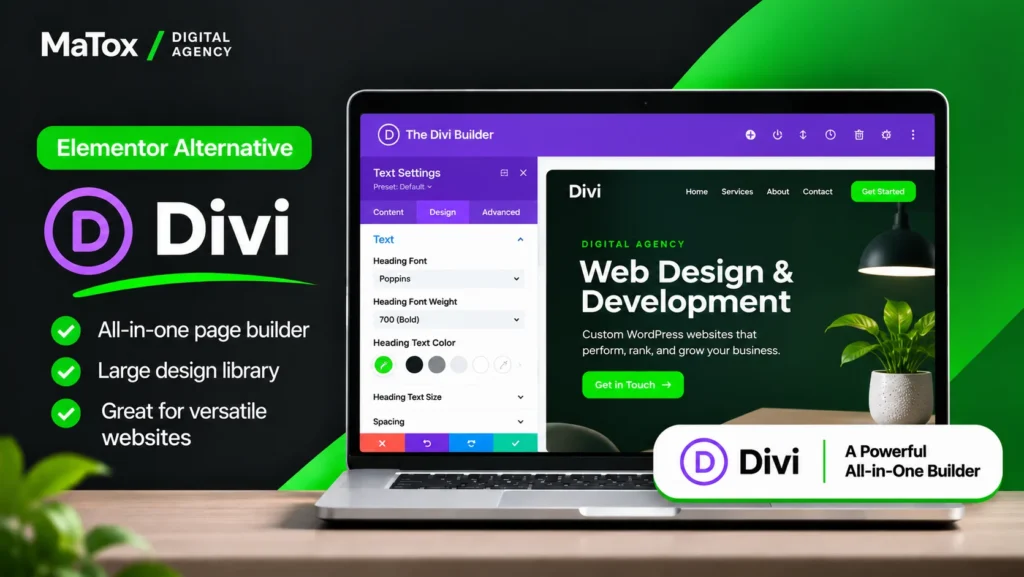
If you’re looking for an Elementor alternative that still gives you a complete visual page-building experience, Divi is one of the more established options.
I’ve used Divi on roughly 2–3 websites. Unlike moving from Elementor to Gutenberg or GenerateBlocks, switching to Divi doesn’t really mean moving away from the visual-builder approach. You’re replacing one full visual building ecosystem with another.
That makes Divi more relevant to someone who likes designing visually but simply doesn’t want to use Elementor.
What I Like About Divi
The biggest advantage is that Divi still gives you plenty of visual design freedom.
You can build and customize pages visually, control responsive layouts, and create more design-heavy websites without having to work primarily inside the native WordPress block editor.
It also has a mature ecosystem, which matters when you’re using a builder for professional projects. Documentation, templates, integrations, and an established user base can make it easier to find solutions when you run into a problem.
For someone coming directly from Elementor, that makes Divi a more familiar type of alternative than moving to Gutenberg.
Where Divi Falls Short
If the reason you want to leave Elementor is because you want a simpler, more lightweight WordPress setup, I wouldn’t automatically move to Divi.
You’re still choosing another full visual page builder.
That’s an important distinction because I don’t think the goal should be to replace Elementor simply for the sake of replacing it. If your real priority is reducing page-builder dependence or staying closer to native WordPress, I’d look at Gutenberg with GenerateBlocks instead.
Personally, I also find Elementor more comfortable when I need to move quickly from an idea to a custom visual design. That’s partly because I have significantly more experience with Elementor, but it’s an important practical factor in which builder I’d choose for a client project.
Who Should Use Divi?
I would consider Divi instead of Elementor if you specifically want another established visual builder rather than moving to a block-based or more developer-focused workflow.
I wouldn’t choose it just because you’re trying to make your WordPress stack as minimal as possible. That’s not the problem Divi is best positioned to solve.
Best for: Users who want an established, all-in-one visual building experience and don’t want to move to Gutenberg.
Not ideal for: Users leaving Elementor primarily because they want a lightweight, native WordPress setup.
7. Oxygen - Best Elementor Alternative for Advanced Technical Control
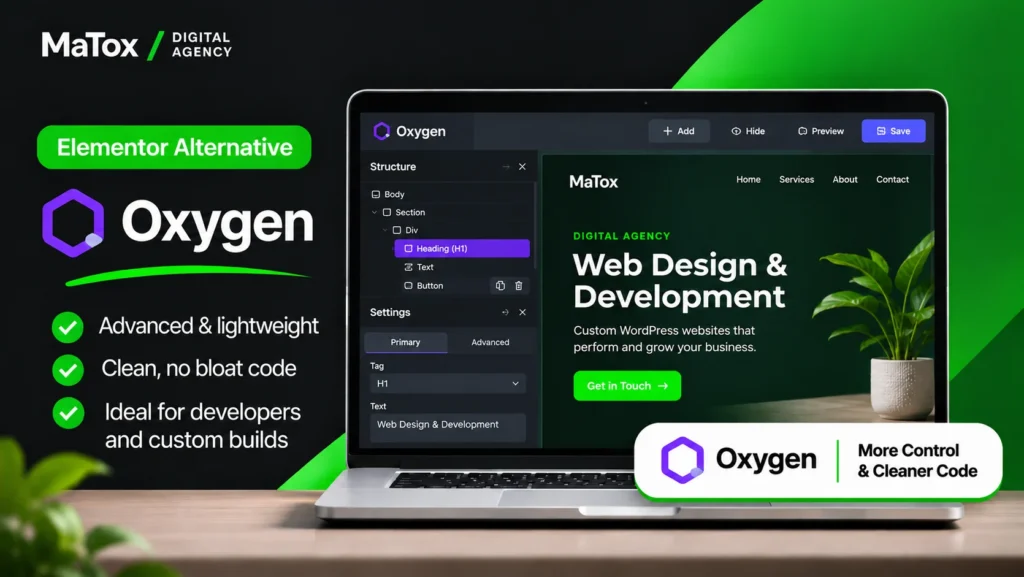
If you’re comfortable with a more technical WordPress workflow and want greater control over how a website is built, Oxygen is one of the more developer-focused Elementor alternatives I’ve worked with.
I’ve used Oxygen on roughly 2–3 websites. Compared with Elementor, it feels less focused on making page building as accessible as possible and more focused on giving the person building the site control over its structure and styling.
That can be a major advantage for experienced users, but it also means Oxygen isn’t the alternative I’d recommend to everyone leaving Elementor.
What I Like About Oxygen
What I like most about Oxygen is the level of technical control it gives you.
It makes more sense to me for someone who is comfortable thinking beyond individual widgets and wants more control over how the website is structured and styled.
That makes Oxygen particularly interesting for developers and technically experienced WordPress users who find Elementor’s more beginner-friendly approach restrictive.
But that flexibility only has value if you’re actually going to use it. For a straightforward business website, I don’t think choosing the most technically capable builder automatically gives you a better result.
Where Oxygen Falls Short
The biggest drawback is the learning curve.
If one of the reasons you use Elementor is that you can open the editor and quickly start designing visually, Oxygen can feel like a bigger adjustment.
I would also think carefully about client handoff.
A builder that gives me more technical control as the developer isn’t necessarily the builder I want a non-technical client working inside after launch. If the client will frequently edit pages themselves, ease of use becomes just as important as the control I have while building the site.
For that situation, I’d be more likely to consider Elementor or Beaver Builder.
Who Should Use Oxygen?
I would choose Oxygen over Elementor when advanced control is genuinely important to the project and the person maintaining the website is technically comfortable.
I wouldn’t choose it simply because more control sounds better on paper. For many normal business websites, that additional complexity isn’t necessary.
Best for: Developers and advanced WordPress users who prioritize technical control over beginner-friendly editing.
Not ideal for: Beginners, non-technical clients, or projects where the easiest possible visual editing experience is the priority.
8. OptimizePress - Best Elementor Alternative for Landing Pages
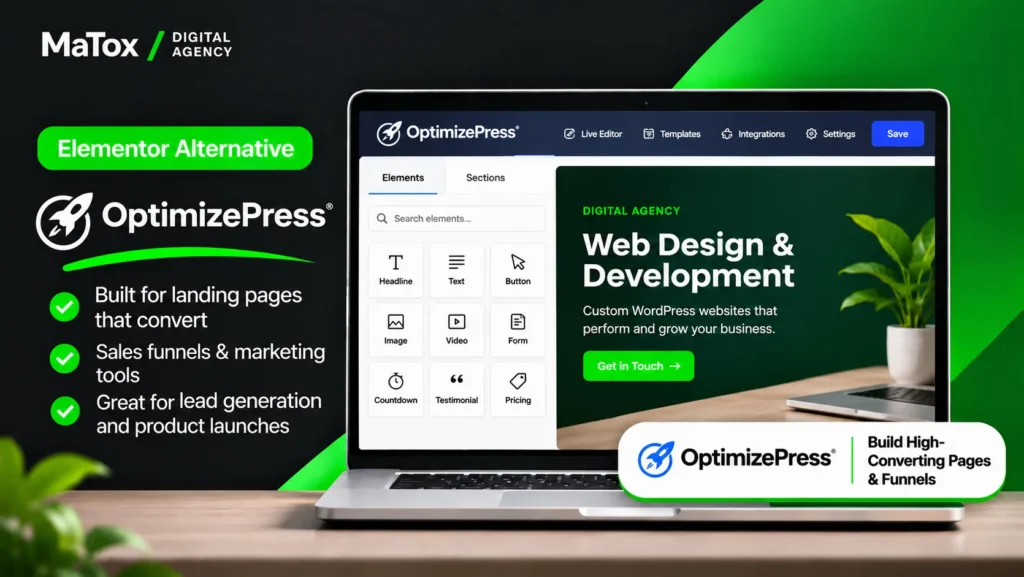
If your main goal is building landing pages rather than managing every type of WordPress website, OptimizePress is the Elementor alternative I’d consider for a more conversion-focused workflow.
I’ve used OptimizePress on roughly 2–3 websites. What separates it from most of the alternatives on this list is its focus. Gutenberg, Bricks, Divi, and Elementor can all be used to build many different types of websites, while OptimizePress makes more sense when landing pages and conversions are central to the project.
That specialization can be useful, but it also means I wouldn’t choose OptimizePress as my default Elementor replacement for every client website.
What I Like About OptimizePress
The biggest advantage is its focus on landing pages and conversion-oriented websites.
When I’m building a landing page, I care about more than whether I can recreate the design. I also want a workflow that makes it easy to structure the page around a clear action, whether that’s generating a lead, registering for something, or moving a visitor toward the next step.
That makes OptimizePress worth considering when landing pages are the primary use case rather than just one small part of a larger website.
At the same time, Elementor is still one of my preferred tools for landing pages because I can build and adjust them quickly. So I wouldn’t say OptimizePress automatically replaces Elementor here—it gives you a more specialized option.
Where OptimizePress Falls Short
Its specialization is also the main limitation.
If I’m building a typical 5–10 page business website and need flexibility across the homepage, service pages, blog, contact page, and other custom layouts, I’m more likely to choose Elementor or another general-purpose setup.
That’s why I wouldn’t evaluate OptimizePress based on whether it’s a better page builder than Elementor overall.
The better question is:
Do you need an Elementor replacement, or do you specifically need a tool focused on landing pages and conversions?
If it’s the second, OptimizePress becomes much more relevant.
Who Should Use OptimizePress?
I would consider OptimizePress as an alternative to Elementor when landing pages and conversion-focused pages make up a significant part of the website.
For a general business website, I’d normally look elsewhere unless there were specific OptimizePress features that made sense for the project.
Best for: Landing pages, lead-generation pages, and conversion-focused WordPress projects.
Not ideal for: Users looking for my preferred general-purpose Elementor replacement for a standard business website.
Which Elementor Alternative Should You Choose?
The best Elementor alternative depends on what you’re trying to improve. I wouldn’t choose a new page builder based on a feature list alone – I’d start with the reason Elementor isn’t the right fit for that particular project.
Here’s how I’d narrow it down.
If Performance and Clean Output Matter Most
I’d choose Gutenberg + GenerateBlocks.
This is the setup I prefer when I want to stay closer to native WordPress and keep the website lightweight. In my experience, the tradeoff is that some custom layouts take longer to build than they would in Elementor.
If you still want a full visual-building experience, Breakdance would be my other option. In my testing, it produced a smaller DOM and fewer nested wrappers than Elementor while still giving me strong visual design control.
If You Want Something Similar to Elementor
I’d look at Breakdance first.
It gives you the visual workflow and design flexibility that make Elementor convenient without forcing you to move completely to a block-based approach.
Just keep in mind that Elementor has a much larger ecosystem. If you rely heavily on third-party add-ons, templates, tutorials, or integrations, that difference can matter more than cleaner output.
If You’re a Developer
I’d choose Bricks for most developer-focused projects.
It gives me a good balance between visual building and greater control over how the site is structured.
Oxygen is also worth considering when advanced technical control is the priority, but I see it as a more specialized choice with a steeper learning curve.
If You Want to Stay With Gutenberg
The choice for me is mainly between GenerateBlocks and Spectra.
I prefer GenerateBlocks when I want a cleaner, more minimal setup.
I’d consider Spectra when I want to continue using Gutenberg but need more ready-made blocks and design flexibility.
The right choice depends on whether you value simplicity or additional design tools more.
If Clients Will Edit the Website
I’d look closely at Beaver Builder, but I wouldn’t automatically rule out Elementor.
Beaver Builder impressed me with how restrained and predictable the editing experience felt. That can be valuable when handing a website over to someone who only needs to update content and shouldn’t be changing the underlying layout.
At the same time, I’ve handed Elementor websites over to many clients successfully. For basic text and image changes, most clients I’ve worked with have been comfortable using it.
If You’re Building Landing Pages
I’d consider OptimizePress if landing pages and conversions are the main focus of the project.
But this is one category where I would still frequently choose Elementor myself. Because I know it so well, I can build and tweak landing pages quickly without introducing another tool into the workflow.
So OptimizePress wins on specialization – not because I think Elementor is a poor landing-page builder.
If You Already Have an Elementor Website
Don’t switch unless you have a reason to.
If the website looks good, loads well, is easy to maintain, and your client or team can edit it comfortably, changing page builders can create work without solving a meaningful problem.
If someone tells me their Elementor site is “bloated,” my first response isn’t to rebuild it.
I’d first investigate what is actually making the website slow.
If the real problem turns out to be oversized images, poor hosting, unnecessary plugins, third-party scripts, or missing caching, replacing Elementor may not solve the problem at all.
A rebuild starts making more sense when the existing setup is consistently difficult to maintain, performance problems remain after proper optimization, or another builder clearly fits the requirements of the website better.
If you’re considering leaving WordPress entirely rather than replacing Elementor with another WordPress builder, I’ve also compared Wix vs Squarespace and where each hosted platform makes the most sense.
What Is the Best Free Elementor Alternative?
For most WordPress websites, my choice for the best free Elementor alternative is Gutenberg with GenerateBlocks.
The main reason is that you’re starting with the native WordPress block editor rather than replacing Elementor with another complete page builder. GenerateBlocks then gives you additional layout and design control without changing that basic approach.
For a straightforward business or content website, the free versions can cover a lot of what I actually need to build the pages.
That doesn’t mean Gutenberg + GenerateBlocks is a free one-to-one replacement for Elementor Pro.
Elementor Pro goes beyond page design with features such as theme building, forms, popups, dynamic content, and WooCommerce tools. If your website relies on those features, replacing Elementor Pro may require additional plugins or paid tools even if the page-building part of your new setup is free.
Free Elementor Alternative vs Free Elementor Pro Alternative
I think this distinction is important because these are really two different questions.
If you’re looking for a free alternative to Elementor mainly because you need to build pages, Gutenberg with GenerateBlocks would be my first choice.
If you’re looking for a free alternative to Elementor Pro, first make a list of the Pro features you’re actually using.
For example, if your site relies on Elementor Pro for:
- custom headers and footers;
- forms;
- popups;
- dynamic content;
- WooCommerce templates;
- other theme-building functionality;
then simply replacing the page editor doesn’t replace your entire Elementor Pro setup.
I wouldn’t add several free plugins just to avoid paying for Elementor Pro if doing so makes the website harder to maintain.
When Is Elementor Pro Worth Paying For?
For me, Elementor Pro is worth paying for when I’m actually using the functionality that makes it different from the free version.
Theme Builder, forms, popups, and dynamic content are some of the features I’ve found most useful.
If I’m building a design-heavy client website and those features allow me to handle more of the project within one workflow, paying for Pro can make more sense than assembling several separate tools just to keep the setup technically free.
On the other hand, if I’m building a relatively straightforward website and performance and clean output are the priorities, GeneratePress with Gutenberg and GenerateBlocks is often the direction I’d choose instead.
The goal isn’t to build a website for the lowest possible plugin cost. It’s to choose the setup that gives you the functionality you need without adding unnecessary complexity.
Should You Actually Switch From Elementor?
Not necessarily. If your Elementor website performs well, is easy to maintain, and gives you the design flexibility you need, I wouldn’t rebuild it simply because another page builder produces cleaner code.
After working with Elementor for more than four years, I still use it regularly. The biggest reason is simple: it lets me design quickly while giving clients an easy way to edit their websites afterward.
There are situations where I’ll choose Gutenberg, GenerateBlocks, Bricks, or another alternative instead, but I make that decision based on the requirements of the project—not because I think every Elementor website needs replacing.
When I Would Stay With Elementor
I’m more likely to keep or choose Elementor when design flexibility and ease of editing matter more than having the leanest possible setup.
That includes projects where:
- the website relies heavily on custom visual design;
- I need to build and adjust layouts quickly;
- the client will edit text and images themselves;
- Elementor Pro features such as Theme Builder, forms, popups, or dynamic content are being used;
- WooCommerce pages need more visual customization;
- the existing Elementor website already performs well.
I’m especially hesitant to recommend rebuilding an existing website when Elementor isn’t actually causing a problem.
For example, if a client has a design-heavy architecture, furniture, or real estate website that depends on custom layouts and everything is working properly, cleaner markup alone wouldn’t be enough reason for me to rebuild it with another tool.
When I Would Consider Switching From Elementor
I’d consider an alternative to Elementor when there is a specific problem that another setup can solve better.
That could include:
- persistent performance problems after the website has been properly optimized;
- an unnecessarily complicated setup that is difficult to maintain;
- recurring styling or compatibility problems;
- wanting a cleaner, more native WordPress workflow;
- needing greater developer control;
- paying for Elementor Pro while barely using its Pro functionality;
- starting a new website where another builder simply fits the requirements better.
The distinction between a new website and an existing Elementor website is important.
If I’m starting from scratch, choosing Gutenberg + GenerateBlocks, Bricks, Breakdance, or another builder is simply part of deciding on the right stack.
If the website is already built with Elementor, switching can mean rebuilding pages, templates, responsive layouts, and functionality. At that point, the alternative needs to provide enough value to justify the work.
My general rule is:
Don’t switch page builders because another option looks better in a benchmark. Switch when it solves a real problem with your website better than Elementor does.
Is Elementor Really the Reason Your Website Is Slow?
Not always. Elementor can add more markup and complexity than a lightweight block-based setup, but the page builder is only one part of your website’s performance.
When I work on a slow Elementor website, I don’t immediately assume Elementor needs to be replaced. In many cases, I find that the overall setup is contributing to the problem.
Some of the first things I look at are:
- hosting quality and server configuration;
- oversized or poorly optimized images;
- too many plugins;
- unnecessary scripts and third-party integrations;
- caching configuration;
- fonts and other external resources;
- how the pages themselves were built.
I’ve worked on Elementor websites that perform well and others that don’t. The difference isn’t simply whether Elementor is installed.
Why I Test Before Recommending a Rebuild
If a client came to me and said, “My Elementor website is bloated, should I rebuild it?”, I’d test the existing website first.
A rebuild is a much bigger decision than installing a performance plugin or optimizing a few images. Before recommending one, I’d want to know whether Elementor is actually a meaningful part of the performance problem.
For example, if the website is running on poor hosting, loading several large uncompressed images, and using unnecessary plugins, rebuilding the same site with another page builder doesn’t address those underlying problems.
I’d optimize those areas first and then measure the site again.
Caching can also make a significant difference. I recently tested five WordPress cache plugins and found that even on a simple test site, page caching dramatically reduced server CPU and memory usage. The best option also depended on the hosting environment rather than one plugin winning in every situation.
That’s why I look at performance as a complete WordPress stack, not just a page-builder problem.
When the Page Builder Does Matter
That doesn’t mean Elementor has no performance cost.
The way a builder structures a page affects things such as DOM complexity and the amount of markup the browser has to process. In my Breakdance test, for example, Breakdance produced a smaller DOM with fewer nested wrappers than Elementor.
A native Gutenberg setup with GenerateBlocks can also be attractive when I specifically want to keep the build lightweight.
But cleaner output alone isn’t enough for me to recommend rebuilding a functioning website.
If the Elementor site performs well after proper optimization, I’d usually leave it alone. If performance remains a genuine problem and the builder is contributing significantly to an unnecessarily complex setup, then evaluating an Elementor alternative starts to make much more sense.
Switching From Elementor: What Happens to Your Existing Website?
If your website is already built with Elementor, switching to another page builder is very different from choosing a builder for a new website. You should expect at least some rebuilding rather than assuming your Elementor layouts will automatically transfer to another builder.
Your content may still exist in WordPress, but the layouts, styling, templates, widgets, and Elementor-specific functionality need to be accounted for when rebuilding the site with Gutenberg, Bricks, Breakdance, or another alternative.
I haven’t personally migrated an existing Elementor website to another builder, so I wouldn’t present this as a process I’ve completed for a client. But from a development perspective, I would treat it as a website rebuild or partial rebuild, not a simple plugin swap.
What You Need to Check Before Leaving Elementor
Before replacing Elementor, I’d first identify exactly how much of the existing website depends on it.
That includes checking:
- pages and landing pages built with Elementor;
- headers and footers created with Theme Builder;
- single post and archive templates;
- forms and popups;
- dynamic content;
- WooCommerce templates;
- global styles;
- responsive settings;
- custom CSS or code;
- Elementor-specific widgets and third-party add-ons.
The more of the website that depends on Elementor or Elementor Pro, the larger the rebuilding job can become.
This is also why I wouldn’t uninstall Elementor first and figure everything out afterward. I’d build and test the replacement on a staging version of the website while keeping the live site intact.
Don’t Forget About SEO During the Rebuild
Changing page builders doesn’t have to mean changing the website’s SEO structure.
If an existing page is already ranking, I would generally preserve its URL unless there is a good reason to change it. I’d also make sure important content, headings, internal links, image alt text, metadata, schema, and other relevant SEO elements aren’t accidentally lost during the rebuild.
After the new version is ready, I’d check:
- important URLs;
- redirects for any URLs that actually changed;
- indexability;
- canonical tags;
- internal links;
- sitemap inclusion;
- mobile layouts;
- forms and functionality;
- structured data;
- page performance.
A builder migration can therefore become much closer to a website redesign project than a normal plugin change.
Is Switching Elementor Builders Worth the Rebuild?
For me, this is the question that matters most.
If you’re rebuilding a website just to reduce a few wrappers in the HTML, I wouldn’t automatically consider that a good use of time or budget.
But if the existing site is difficult to maintain, repeatedly breaks, has persistent performance problems, or no longer fits how you want to manage WordPress, rebuilding it with a different approach may make sense.
Before making that decision, I’d compare the expected improvement against the work required to get there.
The goal isn’t to remove Elementor. The goal is to end up with a better website.
Elementor Alternatives Compared Side by Side
If you’re still deciding between several options, this comparison shows how I’d position each builder based on my hands-on experience and testing.
The biggest difference isn’t simply which builder has the most features. It’s what you’re optimizing for: lightweight output, design freedom, developer control, client editing, or a specific use case such as landing pages.
| Elementor Alternative | Best For | Design Freedom | Learning Curve | Client Editing | My Experience |
|---|---|---|---|---|---|
| Gutenberg + GenerateBlocks | Lightweight WordPress sites | Medium | Medium | Good | Professional use |
| Bricks | Developers | High | Medium–High | Medium | Used on 2–3 sites |
| Breakdance | Elementor-like visual building | High | Medium | Medium | Controlled testing |
| Spectra | Flexible Gutenberg builds | Medium–High | Medium | Good | Used on 2–3 sites |
| Beaver Builder | Stability and client editing | Medium | Low | Very good | Controlled testing |
| Divi | Traditional visual building | High | Medium | Good | Used on 2–3 sites |
| Oxygen | Advanced technical control | High | High | Lower | Used on 2–3 sites |
| OptimizePress | Landing pages | Medium–High | Medium | Medium | Used on 2–3 sites |
These ratings reflect my own experience and testing rather than a universal score. The right choice depends on whether you prioritize lightweight output, design freedom, developer control, client editing, or a specific use case such as landing pages.
I wouldn’t use this table to choose based on the number of “High” ratings. For example, more design freedom can be valuable for the person building the website but unnecessary—or even counterproductive—when a non-technical client will maintain it afterward.
For my own projects, the decision usually comes down to three options: Gutenberg + GenerateBlocks when I want a lightweight WordPress setup, Bricks when developer control matters more, and Breakdance when I want to stay closer to Elementor’s visual workflow.
And for many design-heavy client websites, I would still choose Elementor rather than replacing it just for the sake of using an alternative.
Frequently Asked Questions About Elementor Alternatives
What Is the Best Alternative to Elementor?
There isn’t one best alternative to Elementor for every website. Based on my experience, I’d choose Gutenberg + GenerateBlocks for a lightweight WordPress setup, Bricks for greater developer control, and Breakdance if you want a visual workflow closer to Elementor with cleaner output.
For design-heavy websites where fast visual building and easy client editing are priorities, I’d still consider Elementor itself.
What Is the Best Free Elementor Alternative?
For me, Gutenberg + GenerateBlocks is the best free Elementor alternative for many WordPress websites. It keeps the site closer to the native WordPress block editor while giving you additional layout and design controls.
However, it isn’t a direct free replacement for every Elementor Pro feature. If you use Elementor Pro for forms, popups, dynamic content, WooCommerce templates, or theme building, you may need additional tools.
Is There a Faster Alternative to Elementor?
Yes, some alternatives can produce leaner output than Elementor, but changing page builders doesn’t automatically make a website faster.
In my testing, Breakdance produced a smaller DOM and fewer nested wrappers than Elementor. I’ve also found Gutenberg with GenerateBlocks to be a good option when I specifically want a lightweight setup.
However, hosting, images, plugins, scripts, caching, and how the website is built can have a major impact on performance too.
Is Gutenberg Better Than Elementor?
Gutenberg isn’t universally better than Elementor. I prefer Gutenberg with GenerateBlocks when lightweight output and a cleaner WordPress setup are the priority, while I prefer Elementor when I need faster visual design, greater layout flexibility, or an easier visual workflow for clients.
The better choice depends on the website you’re building.
Is Elementor Still Worth Using in 2026?
Yes. I still use Elementor regularly after more than four years and 40+ websites.
I particularly like it for design-heavy client websites, landing pages, and projects where visual flexibility and straightforward client editing are important.
I choose an Elementor alternative when another setup solves a specific requirement better—not because I think Elementor has become obsolete.
Can I Switch From Elementor Without Rebuilding My Website?
You should expect at least some rebuilding when switching from Elementor to another page builder. Elementor layouts, widgets, templates, and styling don’t simply become Gutenberg, Bricks, Breakdance, or another builder’s layouts.
How much work is required depends on how heavily the website relies on Elementor and Elementor Pro functionality.
For an existing site, I would plan and test the replacement on staging before making changes to the live website.
Will Switching From Elementor Improve SEO?
Switching from Elementor does not automatically improve SEO.
A rebuild could help if it results in meaningful improvements to performance, usability, site structure, or other technical issues, but changing the page builder itself isn’t an SEO strategy.
If an Elementor website already performs well and has no significant technical problems, I wouldn’t rebuild it solely because I expected a different page builder to improve its rankings.
Final Verdict: Which Elementor Alternative Is Best?
After more than four years of using Elementor across 40+ websites, I don’t think there is one Elementor alternative that is better in every situation.
If I were choosing today, my recommendations would be:
- Gutenberg + GenerateBlocks if performance, cleaner output, and a lightweight WordPress setup are the priorities.
- Bricks if you’re a developer who wants more control while keeping a visual building workflow.
- Breakdance if you want something closer to the Elementor experience but with cleaner output based on my testing.
- Spectra if you want to stay with Gutenberg but need more design flexibility.
- Beaver Builder if stability and safe client editing matter most.
- Divi if you prefer a traditional, established visual builder.
- Oxygen if you’re comfortable with a more technical workflow and want greater control.
- OptimizePress if your main focus is building landing pages.
But I also wouldn’t rule out Elementor itself.
I still use Elementor because it lets me design quickly, gives me a lot of visual control, and makes it relatively easy for clients to update their websites afterward. For many business websites, those advantages matter more than having the leanest possible page-builder setup.
If I were building a site where speed and clean output were my top priorities, I’d be more likely to use GeneratePress with Gutenberg and GenerateBlocks. If I needed more developer control, I’d look at Bricks. And if I wanted to keep an Elementor-like visual workflow while reducing some of the extra markup, I’d consider Breakdance.
Most importantly, I wouldn’t rebuild an existing Elementor website simply because another builder looks better on paper.
Choose an Elementor alternative because it solves a specific problem better – not simply because it’s an alternative to Elementor.
Need Help Choosing the Right WordPress Setup?
At MaTox Digital Agency, we design and develop WordPress websites around the needs of the project, not around a specific page builder. Whether Elementor, Gutenberg, GenerateBlocks, or another setup makes the most sense, the goal is the same: a fast, professional website that’s built to support your business.

About the Author
Makedonka Tochevska
Makedonka Tochevska is a web designer and front-end developer at MaTox Digital Agency. She works on website design and redesign projects with a focus on WordPress development, user experience, website performance, and SEO implementation.
Her work includes planning and building business websites, improving existing websites, and handling the technical and SEO details that need to be considered when a website changes.